Does it work on Intel Macs?
No. WhatCable needs Apple Silicon (M1 or later). This is measured, not assumed: every Intel Mac in our community diagnostic data reports its USB-C port controllers as empty, so the USB-PD state and cable e-marker data WhatCable is built on never appear on those machines at all. Thunderbolt link data is still there on Intel, but the port-controller layer WhatCable reads is not.
Is it really free?
Yes. The WhatCable app is free and open source under the MIT licence. No ads, no tracking. WhatCable Pro (£9.99, optional) adds advanced diagnostics for power users. See what's included.
What does WhatCable Pro add?
Pro helps you investigate further: keep a cable history, watch power readings, understand a slow connection and check why a screen is not performing as expected. It is a one-time £9.99 purchase for up to two Macs, with no subscription. See the features and comparison.
Technical detail: The tools include Negotiation and Display Diagnostics, port health counters, the USB Power Delivery contract inspector and raw cable identity fields. Each gives more context behind the main explanation.
Does it phone home or collect data?
No analytics, no telemetry, and nothing about you or your cables ever leaves your Mac. In the free app the one routine network call is a version check against the public GitHub Releases API, roughly every 6 hours. WhatCable Pro adds one more: a licence check when you activate your key, then once each time the app launches. That call sends only the key and your Mac's hardware UUID, which is how the two-Mac limit is enforced. Diagnostic data only goes anywhere if you explicitly choose to contribute it. Check the source on GitHub if you want to verify.
Does WhatCable just read the e-marker?
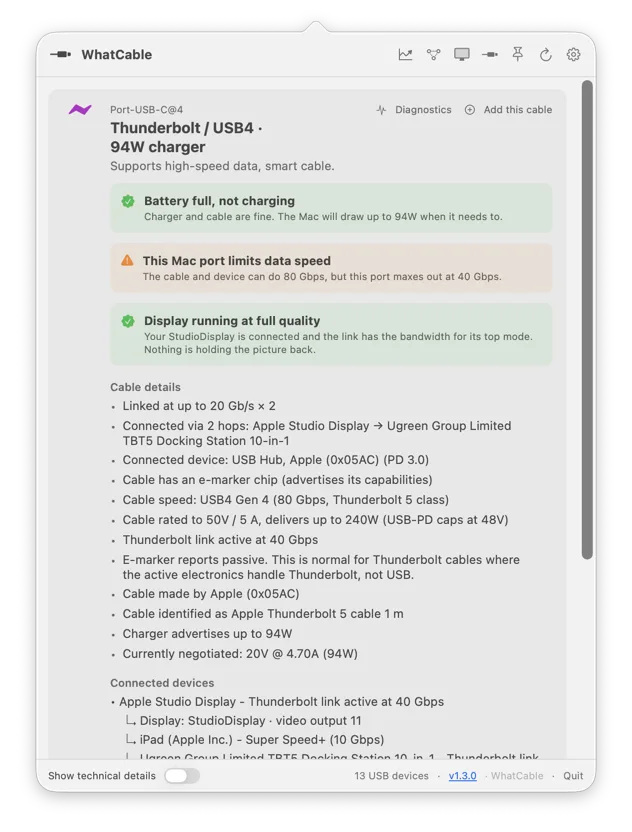
No. The e-marker is the cable’s digital label, but WhatCable also uses the connection information your Mac provides. It compares the port, cable and connected device, and checks display links too. This helps explain why the connection is working at a particular speed or charging rate.
Technical detail: On Thunderbolt and USB4 connections, controller reports can show the negotiated link speed. That confirms the speed reached in that connection, not the cable’s absolute maximum. A compatible passive cable with an older 40 Gbps identity may legitimately carry newer 80 Gbps signalling. Missing faster-link evidence does not prove a lower physical limit.
Why does my cable show no e-marker data?
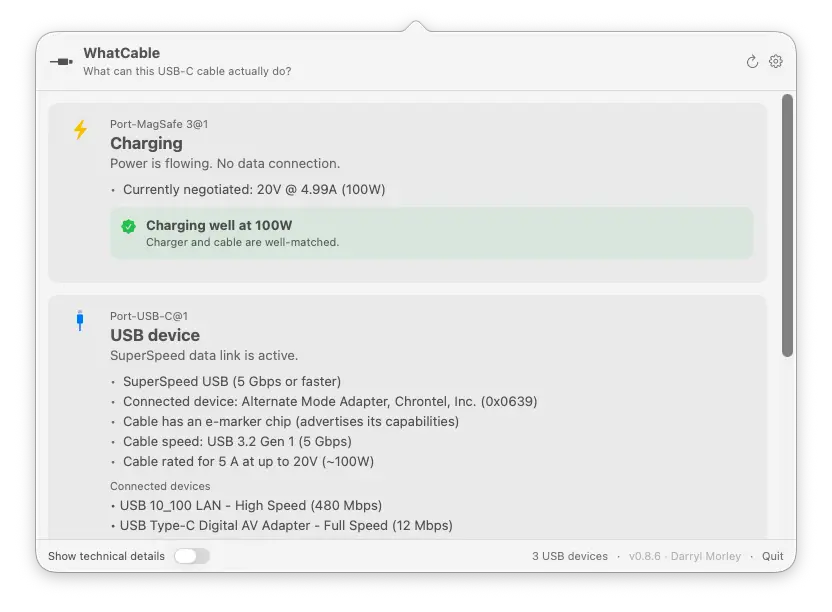
The cable may have no identity chip, or your Mac may not have read it yet. Try connecting a charger, dock or device at the far end, then check again. Missing information alone does not mean the cable is broken.
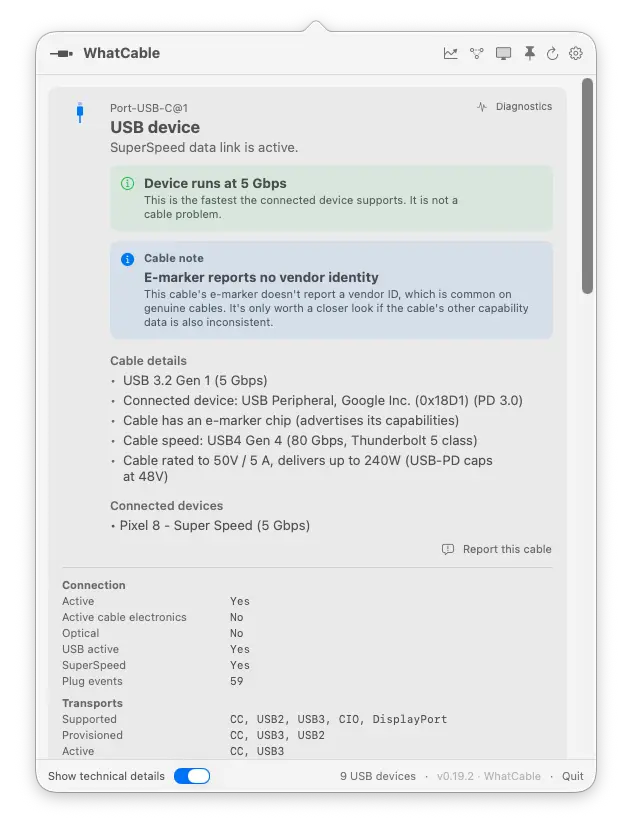
Technical detail: Some basic USB 2.0 cables do not require an e-marker. Full-featured cables and cables carrying more than 3 A do. Whether macOS exposes the identity also depends on the port and connected equipment; connecting another device can help trigger a read but does not guarantee one.
Can it tell me if a cable is fake?
Not definitively. WhatCable helps you investigate inconsistent reports and connection problems. A missing manufacturer or certificate alone does not prove a cable is counterfeit.
Technical detail: The trust checks examine identity and capability fields against USB Power Delivery rules. Malformed or contradictory fields are different from missing information. The app cannot inspect the physical wiring or authenticate every product label.
What languages is WhatCable available in?
19, and the diagnostic verdicts are translated too, not just the menus: Armenian, Brazilian Portuguese, Dutch, English, French, German, Hindi, Italian, Japanese, Korean, Latvian, Norwegian, Polish, Russian, Simplified Chinese, Spanish, Traditional Chinese, Turkish, and Ukrainian. WhatCable follows your Mac's language by default, or you can pick one in Settings. Translations are community-refinable, so if something reads oddly in your language, open an issue and we'll fix it.